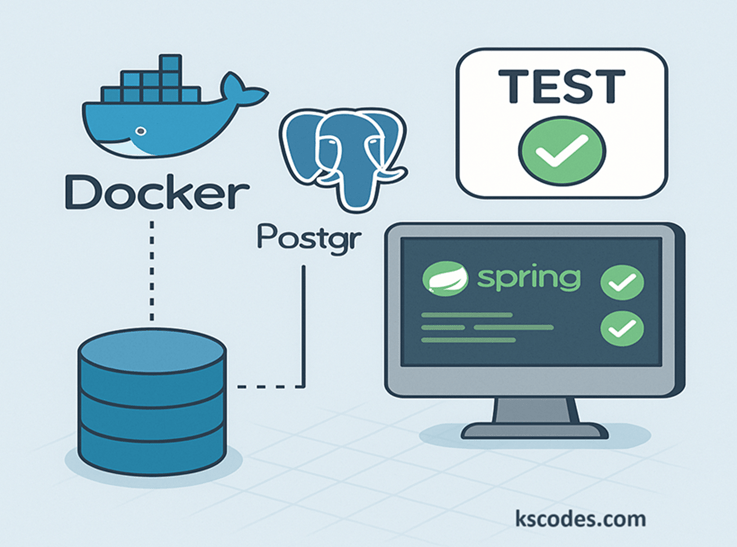
Writing database tests that mimic real-world scenarios is crucial — but in-memory databases like H2 often fall short in simulating true production environments. This is where Testcontainers comes in. Testcontainers is a Java library that provides lightweight, throwaway instances of common databases (like PostgreSQL, MySQL) inside Docker containers for your tests.
In this post, we’ll explore Spring Boot Testcontainers Database Testing, showing you how to run real PostgreSQL containers for integration tests that are fast, repeatable, and production-representative.
📦 Project Setup
🔧 Prerequisites:
- Java 17+ (recommended)
- Docker installed and running
- Spring Boot 3.x
🧾 Maven Dependencies:
        org.springframework.boot
        spring-boot-starter-data-jpa


        org.postgresql
        postgresql
        runtime


        org.springframework.boot
        spring-boot-starter-test
        test


        org.testcontainers
        postgresql
        1.19.1
        test
🏗 Project Structure
com.kscodes.springboot
├── model
│   └── Customer.java
├── repository
│   └── CustomerRepository.java
└── test
    └── CustomerRepositoryTest.java
🧱 Entity: Customer
package com.kscodes.springboot.model;

import jakarta.persistence.*;

@Entity
public class Customer {

    @Id
    @GeneratedValue(strategy = GenerationType.IDENTITY)
    private Long id;

    private String name;

    private String email;

    // Getters and Setters
}
📂 Repository Interface
package com.kscodes.springboot.repository;

import com.kscodes.springboot.model.Customer;
import org.springframework.data.jpa.repository.JpaRepository;

import java.util.Optional;

public interface CustomerRepository extends JpaRepository {
    Optional findByEmail(String email);
}
🧪 Integration Test with Testcontainers
Here’s how to create a reusable PostgreSQL container for all your Spring Boot integration tests.
package com.kscodes.springboot;

import com.kscodes.springboot.model.Customer;
import com.kscodes.springboot.repository.CustomerRepository;
import org.junit.jupiter.api.BeforeEach;
import org.junit.jupiter.api.Test;
import org.springframework.beans.factory.annotation.Autowired;
import org.springframework.boot.test.autoconfigure.orm.jpa.DataJpaTest;
import org.springframework.test.context.DynamicPropertyRegistry;
import org.springframework.test.context.DynamicPropertySource;
import org.testcontainers.containers.PostgreSQLContainer;
import org.testcontainers.junit.jupiter.Container;
import org.testcontainers.junit.jupiter.Testcontainers;

import java.util.Optional;

import static org.assertj.core.api.Assertions.assertThat;

@DataJpaTest
@Testcontainers
public class CustomerRepositoryTest {

    @Container
    static PostgreSQLContainer postgresContainer = new PostgreSQLContainer<>("postgres:16.1")
            .withDatabaseName("testdb")
            .withUsername("test")
            .withPassword("test");

    @DynamicPropertySource
    static void configureProperties(DynamicPropertyRegistry registry) {
        registry.add("spring.datasource.url", postgresContainer::getJdbcUrl);
        registry.add("spring.datasource.username", postgresContainer::getUsername);
        registry.add("spring.datasource.password", postgresContainer::getPassword);
    }

    @Autowired
    private CustomerRepository customerRepository;

    @BeforeEach
    void setup() {
        Customer customer = new Customer();
        customer.setName("Alice");
        customer.setEmail("alice@example.com");
        customerRepository.save(customer);
    }

    @Test
    void testFindByEmail() {
        Optional result = customerRepository.findByEmail("alice@example.com");
        assertThat(result).isPresent();
        assertThat(result.get().getName()).isEqualTo("Alice");
    }
}
⚙️ How It Works
@Testcontainers: Activates Testcontainers JUnit integration@Container: Lifecycle-managed PostgreSQL container@DynamicPropertySource: Dynamically injects DB properties into Spring’sEnvironment@DataJpaTest: Loads only the JPA-related components for fast test execution
✅ Benefits of Spring Boot Testcontainers Database Testing
| Benefit | Description |
|---|---|
| 🧪 Real Environment | Uses PostgreSQL/MySQL as in production |
| 🚀 Fast & Isolated | Containers are ephemeral and disposable |
| 🔁 Repeatable | Same test setup on every run |
| 🌍 CI/CD Friendly | Works on local or cloud build agents with Docker |
🧠 Tips for Best Practices
- Prefer one container per test class to improve performance.
- Use
@TestConfigurationif you need to add beans during testing. - Use
@SpringBootTestinstead of@DataJpaTestif testing with services/controllers. - Clean up DB state between tests using
@BeforeEachor@DirtiesContext.
📚 Summary
In this guide, you learned how to implement Spring Boot Testcontainers Database Testing using PostgreSQL. We covered:
- Setting up Dockerized PostgreSQL for tests
- Writing dynamic Spring Boot configurations
- Running
@DataJpaTestwith Testcontainers - Best practices for production-similar test environments
This approach gives you confidence that your application will behave correctly when deployed to real databases.