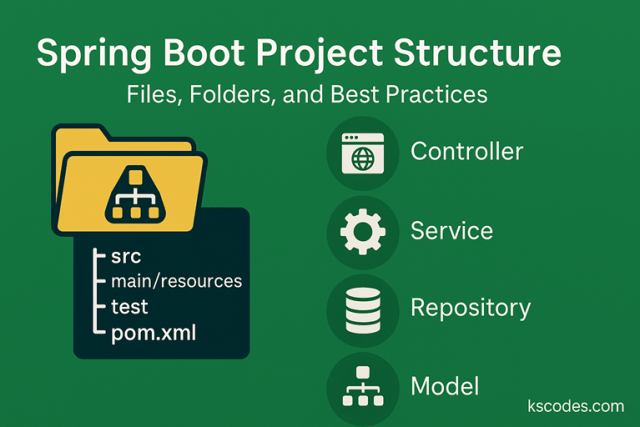
A well-organized Spring Boot project structure:
- Makes your code easier to understand and maintain
- Helps collaborators navigate quickly
- Enables smoother testing, deployment, and scaling
Spring Boot projects follow a convention-over-configuration model, which gives you a standard folder layout.
Let’s break it all down 👇
📁 Default Spring Boot Directory Layout
When you generate a project (via Spring Initializr), this is what you get:
myproject/
├── pom.xml
├── src/
│   ├── main/
│   │   ├── java/
│   │   │   └── com/
│   │   │       └── yourdomain/
│   │   │           └── myproject/
│   │   │               └── MyProjectApplication.java
│   │   └── resources/
│   │       ├── application.properties
│   │       ├── static/
│   │       ├── templates/
│   │       └── META-INF/
│   └── test/
│       └── java/
│           └── com/
│               └── yourdomain/
│                   └── myproject/
│                       └── MyProjectApplicationTests.java
📦 File & Folder Breakdown
1. pom.xml (or build.gradle)
Defines your project’s:
- Dependencies
- Plugins
- Build instructions
It’s the heart of your project’s setup if using Maven.
2. src/main/java
This is where all your application code lives.
Follow this structure:
com.yourdomain.myproject
├── controller/
├── service/
├── repository/
├── model/
└── MyProjectApplication.java
| Folder | Purpose |
|---|---|
controller/ | REST Controllers, API endpoints |
service/ | Business logic layer |
repository/ | Spring Data JPA repositories |
model/ | Entity or DTO classes |
| Main class | Starts the app (annotated with @SpringBootApplication) |
3. src/main/resources
Contains non-Java resources:
| File/Folder | Purpose |
|---|---|
application.properties or .yml | Configuration settings |
static/ | Static content (CSS, JS, images) |
templates/ | Thymeleaf or FreeMarker HTML templates |
META-INF/ | Metadata, such as MANIFEST.MF |
4. src/test/java
This is your test codebase.
Follow the same package structure as main/java for:
- Unit tests
- Integration tests
- Mock-based testing
Spring Boot uses JUnit 5 by default.
🧰 Best Practices for Spring Boot Structure
✅ 1. Use Layered Architecture
Organize your code by function:
- Controller → Service → Repository
- Avoid putting everything in the controller
✅ 2. Group Features (Modular Structure)
For large apps, go feature-first instead of layer-first:
product/
├── ProductController.java
├── ProductService.java
├── ProductRepository.java
├── Product.java
This improves modularity and testability.
✅ 3. Use DTOs (Don’t Expose Entities Directly)
Map entity objects to Data Transfer Objects (DTOs) to control API response shape.
✅ 4. Keep application.properties Organized
Use:
spring.datasource.url=
spring.datasource.username=
app.feature.toggle.enabled=true
Use profiles like application-dev.properties, application-prod.yml for environment separation.
🚨 Common Mistakes to Avoid
| Mistake | Why it’s bad |
|---|---|
| All logic in controller | Violates separation of concerns |
| No structure (all classes in root) | Becomes unmanageable as app grows |
| Skipping test packages | Leads to hard-to-maintain code |
| Using default package | Causes scanning issues, bad practice |
🎯 Summary
A standard Spring Boot project structure looks like this:
src/
├── main/java            # Your code
├── main/resources       # Configs, templates, static files
└── test/java            # Your test code
With:
- Controllers handling input/output
- Services handling business logic
- Repositories handling data access
- Models representing data objects
Following these best practices ensures your codebase stays clean, modular, and scalable — even as your app grows.