📑 Table of Contents:
- What is Spring WebFlux?
- Setting Up the Project
- Creating Reactive Domain & Repository
- Building the Reactive REST Controller
- Handling Errors in Reactive APIs
- Testing the Reactive Endpoints
- Final Thoughts on Reactive REST APIs with Spring WebFlux
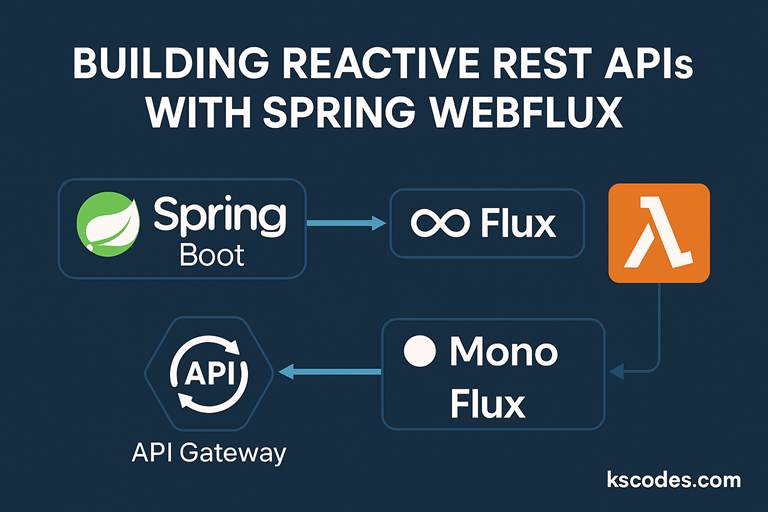
🌐 1. What is Spring WebFlux?
Spring WebFlux is a reactive web framework built on Project Reactor, supporting fully non-blocking, asynchronous communication. It enables efficient handling of concurrent requests by leveraging reactive streams.
Unlike traditional Spring MVC, WebFlux is designed for:
- Streaming data
- Event-driven architecture
- High concurrency systems
⚙️ 2. Setting Up the Project
🧱 Maven Dependencies:
  org.springframework.boot
  spring-boot-starter-webflux


  org.springframework.boot
  spring-boot-starter-data-mongodb-reactive
🧩 3. Creating Reactive Domain & Repository
📦 Domain Model
package com.kscodes.springboot.reactive.model;

import org.springframework.data.annotation.Id;
import org.springframework.data.mongodb.core.mapping.Document;

@Document
public class Product {
    @Id
    private String id;
    private String name;
    private double price;

    // Getters and Setters
}
🗂️ Reactive Repository
package com.kscodes.springboot.reactive.repository;

import org.springframework.data.mongodb.repository.ReactiveMongoRepository;
import com.kscodes.springboot.reactive.model.Product;

public interface ProductRepository extends ReactiveMongoRepository {
}
🖥️ 4. Building the Reactive REST Controller
package com.kscodes.springboot.reactive.controller;

import com.kscodes.springboot.reactive.model.Product;
import com.kscodes.springboot.reactive.repository.ProductRepository;
import org.springframework.web.bind.annotation.*;
import reactor.core.publisher.Flux;
import reactor.core.publisher.Mono;

@RestController
@RequestMapping("/products")
public class ProductController {

    private final ProductRepository repository;

    public ProductController(ProductRepository repository) {
        this.repository = repository;
    }

    @GetMapping
    public Flux getAllProducts() {
        return repository.findAll();
    }

    @GetMapping("/{id}")
    public Mono getProductById(@PathVariable String id) {
        return repository.findById(id);
    }

    @PostMapping
    public Mono createProduct(@RequestBody Product product) {
        return repository.save(product);
    }

    @DeleteMapping("/{id}")
    public Mono deleteProduct(@PathVariable String id) {
        return repository.deleteById(id);
    }
}
⚠️ 5. Handling Errors in Reactive APIs
Add a Global Error Handler:
package com.kscodes.springboot.reactive.config;

import org.springframework.http.HttpStatus;
import org.springframework.web.bind.annotation.*;
import reactor.core.publisher.Mono;

@ControllerAdvice
public class GlobalExceptionHandler {

    @ExceptionHandler(Exception.class)
    public Mono handleException(Exception ex) {
        return Mono.just("Error: " + ex.getMessage());
    }
}
🧪 6. Testing the Reactive Endpoints
You can use WebTestClient:
@WebFluxTest
class ProductControllerTest {

    @Autowired
    private WebTestClient webClient;

    @Test
    void testGetAllProducts() {
        webClient.get()
                 .uri("/products")
                 .exchange()
                 .expectStatus().isOk()
                 .expectBodyList(Product.class);
    }
}
✅ 7. Final Thoughts
Building Reactive REST APIs with Spring WebFlux is ideal for high-throughput and event-driven systems. It reduces resource usage and improves responsiveness under load.
Next up: Using Mono and Flux in Reactive APIs