In microservices architecture, multiple instances of a service often run to handle increased traffic. But how do clients decide which instance to call? This is where Spring Cloud LoadBalancer comes in — a lightweight, reactive, and pluggable solution for client-side load balancing. It replaces Netflix Ribbon and works perfectly with Spring Cloud + Eureka.
This post covers everything you need to get started with Spring Cloud LoadBalancer, including service discovery integration and custom load balancing strategies.
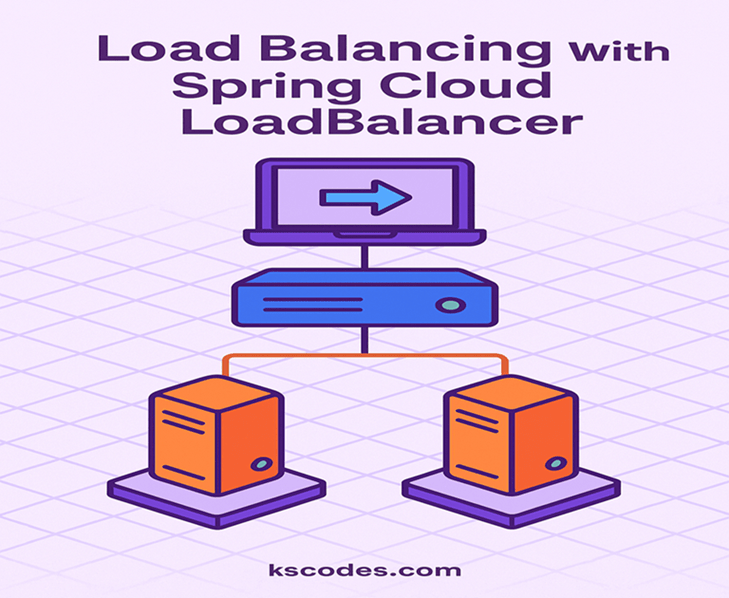
🔧 What is Spring Cloud LoadBalancer?
Spring Cloud LoadBalancer is a library that allows you to implement client-side load balancing without needing Netflix Ribbon.
- 🔁 Integrates with Eureka and other service registries.
- 🔁 Works seamlessly with WebClient and RestTemplate.
- 🔁 Supports round-robin by default and allows customization.
📦 Project Setup
Let’s say we have:
com.kscodes.springboot.microservice
├── client-service  (uses LoadBalancer)
└── product-service (multiple instances)
🔧 Dependencies for client-service (pom.xml)
        org.springframework.cloud
        spring-cloud-starter-loadbalancer


        org.springframework.cloud
        spring-cloud-starter-netflix-eureka-client


        org.springframework.boot
        spring-boot-starter-webflux
⚙️ Enable Eureka in application.yml
spring:
  application:
    name: client-service

eureka:
  client:
    service-url:
      defaultZone: http://localhost:8761/eureka
Do the same in product-service, which will register multiple instances.
🧪 Create Multiple Instances of product-service
You can simulate this by running it on different ports:
application.yml for instance 1:
server:
  port: 8081
spring:
  application:
    name: product-service
application.yml for instance 2:
server:
  port: 8082
spring:
  application:
    name: product-service
🧑💻 Using Spring Cloud LoadBalancer with WebClient
✅ WebClient Configuration
package com.kscodes.springboot.microservice.clientservice.config;

import org.springframework.cloud.client.loadbalancer.LoadBalanced;
import org.springframework.context.annotation.Bean;
import org.springframework.context.annotation.Configuration;
import org.springframework.web.reactive.function.client.WebClient;

@Configuration
public class WebClientConfig {

    @Bean
    @LoadBalanced
    public WebClient.Builder loadBalancedWebClientBuilder() {
        return WebClient.builder();
    }
}
✅ Calling the Service
package com.kscodes.springboot.microservice.clientservice.controller;

import org.springframework.beans.factory.annotation.Autowired;
import org.springframework.web.bind.annotation.GetMapping;
import org.springframework.web.bind.annotation.RestController;
import org.springframework.web.reactive.function.client.WebClient;

@RestController
public class ProductClientController {

    @Autowired
    private WebClient.Builder webClientBuilder;

    @GetMapping("/get-products")
    public String getProducts() {
        return webClientBuilder.build()
            .get()
            .uri("http://product-service/products")
            .retrieve()
            .bodyToMono(String.class)
            .block();
    }
}
Each time you hit /get-products, it will hit a different instance of product-service in round-robin fashion.
🔁 Default Load Balancing Strategy: Round Robin
Spring Cloud LoadBalancer uses RoundRobinLoadBalancer by default.
You can customize it by defining your own configuration.
⚙️ Custom LoadBalancer (Optional)
package com.kscodes.springboot.microservice.clientservice.config;

import org.springframework.cloud.client.ServiceInstance;
import org.springframework.cloud.client.loadbalancer.*;
import org.springframework.context.annotation.Bean;
import org.springframework.context.annotation.Configuration;
import reactor.core.publisher.Mono;

import java.util.List;
import java.util.Random;

@Configuration
public class CustomLoadBalancerConfig {

    @Bean
    public ReactorServiceInstanceLoadBalancer customLoadBalancer(Environment environment,
                                                                  LoadBalancerClientFactory clientFactory) {
        String name = environment.getProperty(LoadBalancerClientFactory.PROPERTY_NAME);
        return new RandomLoadBalancer(
            clientFactory.getLazyProvider(name, ServiceInstanceListSupplier.class),
            name);
    }

    static class RandomLoadBalancer implements ReactorServiceInstanceLoadBalancer {
        private final ObjectProvider serviceInstanceListSupplierProvider;
        private final String serviceId;
        private final Random random = new Random();

        public RandomLoadBalancer(ObjectProvider provider, String serviceId) {
            this.serviceInstanceListSupplierProvider = provider;
            this.serviceId = serviceId;
        }

        @Override
        public Mono> choose(Request request) {
            return serviceInstanceListSupplierProvider.getIfAvailable()
                .get()
                .next()
                .map(serviceInstances -> {
                    if (serviceInstances.isEmpty()) {
                        return new EmptyResponse();
                    }
                    ServiceInstance instance = serviceInstances.get(random.nextInt(serviceInstances.size()));
                    return new DefaultResponse(instance);
                });
        }
    }
}
🧪 Testing Load Balancing
Start Eureka, product-service (2 instances), and client-service.
Hit:
http://localhost:8080/get-products
You’ll see responses rotating between instance 1 (8081) and 2 (8082).
🧠 Why Use Spring Cloud LoadBalancer?
- ✔️ Lightweight alternative to Ribbon
- 🚀 Supports reactive stack (WebClient)
- 🔁 Pluggable strategies (round-robin, random, zone-aware, etc.)
- 🔐 Compatible with service discovery tools (like Eureka)
🏁 Conclusion
Using Spring Cloud LoadBalancer is the best way to achieve client-side load balancing in modern Spring-based microservice architectures. With native support for Eureka and WebClient, it’s lightweight, fast, and customizable.
Use the Spring Cloud LoadBalancer to improve your application’s availability and scalability, while avoiding unnecessary complexity.