In the era of microservices and cloud-native applications, observability is not optional — it’s essential. While logs and traces are common, metrics are the fastest way to understand the real-time state of your system. That’s where Micrometer and Prometheus shine.
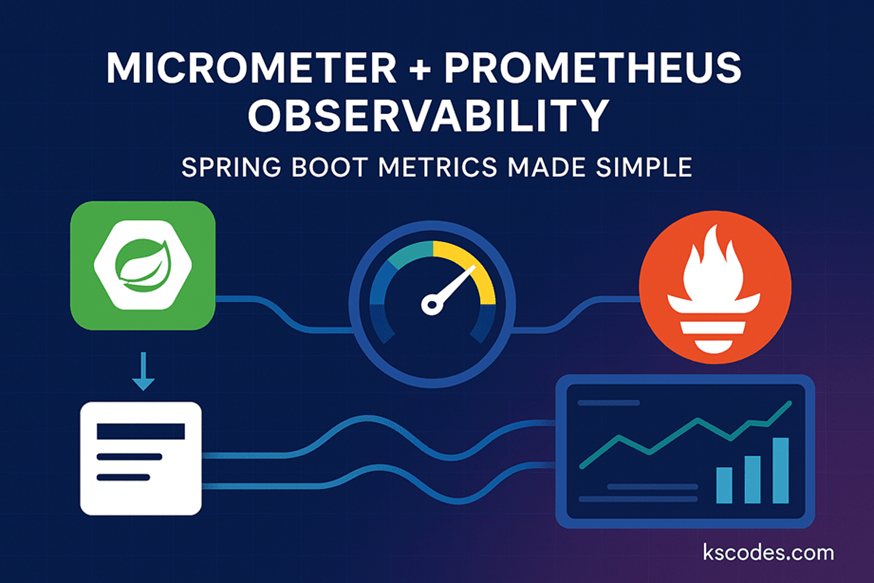
This post dives deep into how to implement Micrometer Prometheus Observability in Spring Boot, enabling developers and DevOps teams to collect, monitor, and visualize metrics effectively. We’ll set up a complete pipeline from exposing metrics with Micrometer to scraping and visualizing them with Prometheus.
📊 What is Observability?
Observability is the capability to understand the internal states of a system by examining the outputs. It’s composed of:
- Metrics – quantitative data (e.g., request count, memory usage)
- Logs – timestamped records of events
- Traces – the flow of requests across services
In this post, we focus on metrics, leveraging Micrometer and Prometheus.
🧩 What is Micrometer?
Micrometer is a metrics facade in Spring Boot that provides a simple way to collect JVM, system, and application-level metrics. It supports multiple backends like:
- Prometheus
- New Relic
- Datadog
- Graphite
- Elastic
Spring Boot Actuator integrates Micrometer out of the box to expose metrics endpoints.
📦 What is Prometheus?
Prometheus is a time-series database designed for monitoring. It scrapes metrics exposed by applications and provides a powerful query language (PromQL) and integrates well with Grafana.
🛠️ Setting up Spring Boot with Micrometer and Prometheus
📁 Maven Dependencies
        org.springframework.boot
        spring-boot-starter-actuator


        io.micrometer
        micrometer-registry-prometheus


        org.springframework.boot
        spring-boot-starter-web
⚙️ Application Configuration
application.yml
management:
  endpoints:
    web:
      exposure:
        include: health,info,prometheus
  endpoint:
    prometheus:
      enabled: true
  metrics:
    export:
      prometheus:
        enabled: true
🧪 Custom Metrics with Micrometer
package com.kscodes.springboot.advanced;

import io.micrometer.core.instrument.MeterRegistry;
import org.springframework.stereotype.Component;

import javax.annotation.PostConstruct;

@Component
public class CustomMetricRegistrar {

    private final MeterRegistry meterRegistry;

    public CustomMetricRegistrar(MeterRegistry meterRegistry) {
        this.meterRegistry = meterRegistry;
    }

    @PostConstruct
    public void initMetrics() {
        meterRegistry.gauge("custom.orders.active", 10);
        meterRegistry.counter("custom.orders.completed").increment();
    }
}
This code registers a gauge and counter metric that Prometheus can scrape.
🔗 Exposing Metrics Endpoint
Once your application is running, you can access:
http://localhost:8080/actuator/prometheus
This endpoint will expose all JVM, system, and custom metrics.
📈 Prometheus Configuration
Create a file called prometheus.yml:
global:
  scrape_interval: 15s

scrape_configs:
  - job_name: 'spring-boot-app'
    metrics_path: '/actuator/prometheus'
    static_configs:
      - targets: ['host.docker.internal:8080']
Use host.docker.internal if Prometheus runs in Docker and your app runs locally.
🐳 Running Prometheus with Docker
docker run -d \
  -p 9090:9090 \
  -v $(pwd)/prometheus.yml:/etc/prometheus/prometheus.yml \
  prom/prometheus
Visit http://localhost:9090 to access Prometheus UI.
🔍 Querying Metrics in Prometheus
Try some PromQL queries:
custom_orders_activecustom_orders_completed_totalhttp_server_requests_seconds_count
You can now create alerts or forward these to Grafana for dashboards.
📊 Adding Grafana for Visualization (Optional)
docker run -d -p 3000:3000 grafana/grafana
Login to Grafana (admin/admin)
Add Prometheus as a data source
Import dashboard ID 4701 for Spring Boot metrics
🧼 Best Practices
- Use tags (labels) wisely for fine-grained metrics
- Avoid unbounded high-cardinality metrics
- Monitor metrics like:
- Combine with distributed tracing for full observability
🔚 Conclusion
Micrometer Prometheus Observability in Spring Boot provides a seamless way to monitor the performance, reliability, and health of your applications. By combining Spring Boot Actuator, Micrometer, Prometheus, and optionally Grafana, you get a powerful monitoring stack that’s production ready.
Whether you’re scaling microservices or improving SLAs, metrics play a critical role. Implement this observability pipeline today to build resilient, transparent systems.